
🏠 Ilé
Kọ́ Ìrètí
Ṣèrànwọ́ kí gbogbo ìdílé ní ibi tí wọ́n lè pè ní ilé — nípasẹ̀ OseloHelp.com, ilé-iṣẹ́ àánú wa tí kò san owó-orí.
Pínpín orin káàkiri àgbáyé: ó ń bọ̀ láìpẹ́!
3,004,606+ Ojú-ìwé Olórin · 8,684,003+ Ojú-ìwé Ilé-iṣẹ́ · Wà ní 417+ Èdè
TimTim.Live Developer Preview
Pick the one that fits. They all talk to the same API and show the same events.
Nothing to install. One line of HTML.
<script src="https://timtim.live/widget/events.js"
data-city="Miami" data-category="music" async></script>@timtim-live/events — no dependencies; works in browsers, Node 18+, Deno and edge runtimes. No key = sample events.
npm install @timtim-live/eventsimport { TimTimEvents } from "@timtim-live/events";
const timtim = new TimTimEvents({ apiKey: "tt_test_..." }); // leave the key out for sample events
const { events } = await timtim.events.list({ city: "Miami", category: "music" });
for (const event of events) console.log(event.name, event.tickets.buy_url);Not on npm yet — the install line works once it is. Today, plain fetch does the same: see how.
<timtim-events> — an HTML tag you can style and control from your own code. TimTim.Live hosts the open-source build, so it works today with no install.
<script src="https://timtim.live/embed/v1/timtim-events.js" defer></script>
<timtim-events location="Miami,US" category="music"></timtim-events>
Build yours with every option →
From npm, once published: @timtim-live/web-component
<script type="module">import "@timtim-live/web-component";</script>
<timtim-events city="Miami" category="music" limit="6"></timtim-events>
Not on npm yet — the install line works once it is. The hosted widget above works today.
@timtim-live/react — built on the same SDK, so it never behaves differently.
import { TimTimEvents } from "@timtim-live/react";

export default function Events() {
  return <TimTimEvents city="Miami" category="music" />;
}
Not on npm yet — the install line works once it is.
A block and a shortcode, with a preview and a connection test. Download it from timtim.live; it updates itself from there. It is not on WordPress.org.
Show events inside your phone app. With no key you see sample events. All three refuse server keys, because anyone can read an app's files.
The code works today from GitHub. It is not on npm, the Swift Package Index or Maven yet.
@timtim-live/react-native. Drop in the event list. Or use the hook and draw your own.
import { TimTimEventList } from "@timtim-live/react-native";

export default function Events() {
  return <TimTimEventList location="Miami,US" category="music" />;
}mobile/ios folder from GitHub.import TimTimEvents
let timtim = try TimTimEvents() // no key: sample events
let page = try await timtim.events(EventQuery(city: "Miami", category: "music"))val timtim = TimTimEvents() // no key: sample events
val page = withContext(Dispatchers.IO) { timtim.events(EventQuery(city = "Miami", category = "music")) }Let Claude, Cursor, VS Code or another MCP app find live events for you. It can only read. It never buys anything.
Nothing to install. Paste this address into your assistant's connector settings.
https://api.timtim.live/v1/mcp@timtim-live/mcp is the same server, open source. Download the code, then build and start it.
npm ci && npm run build
node packages/mcp/dist/cli.jsIt is not on npm yet. So npx @timtim-live/mcp does not work yet.
Every builder below works today. Most use the same embed: make it once, then paste it in.
Make your embed →Step by step for each builder →
Download the plugin. Add the TimTim.Live Events block.
Paste the embed into a Custom Liquid section.
Paste the embed into a Custom Element or Embed HTML box.
Paste the embed into a Code Block.
Paste the embed into a Code Embed element.
Add the code component. Set it up in the side panel.
Install the module from GitHub. Place the TimTim.Live Events block.
Install the module. Put it in a template position.
Paste the embed into an HTML element.
Postman is an app for trying an API by pressing buttons. Our collection has every request ready to send.
Learn how TimTim.Live distribution partnerships work.
Partner Program →Èrò Wa
A pe gbogbo ènìyàn láti ṣèrànwọ́ fi ogún sílẹ̀ fún ọmọ ènìyàn.
Darapọ̀ Mọ́ Iṣẹ́ Àfojúsùn Mẹ́ta Tí Yóò Pẹ́ Jù Wá Lọ
Kọ́ Ìrètí
Ṣèrànwọ́ kí gbogbo ìdílé ní ibi tí wọ́n lè pè ní ilé — nípasẹ̀ OseloHelp.com, ilé-iṣẹ́ àánú wa tí kò san owó-orí.
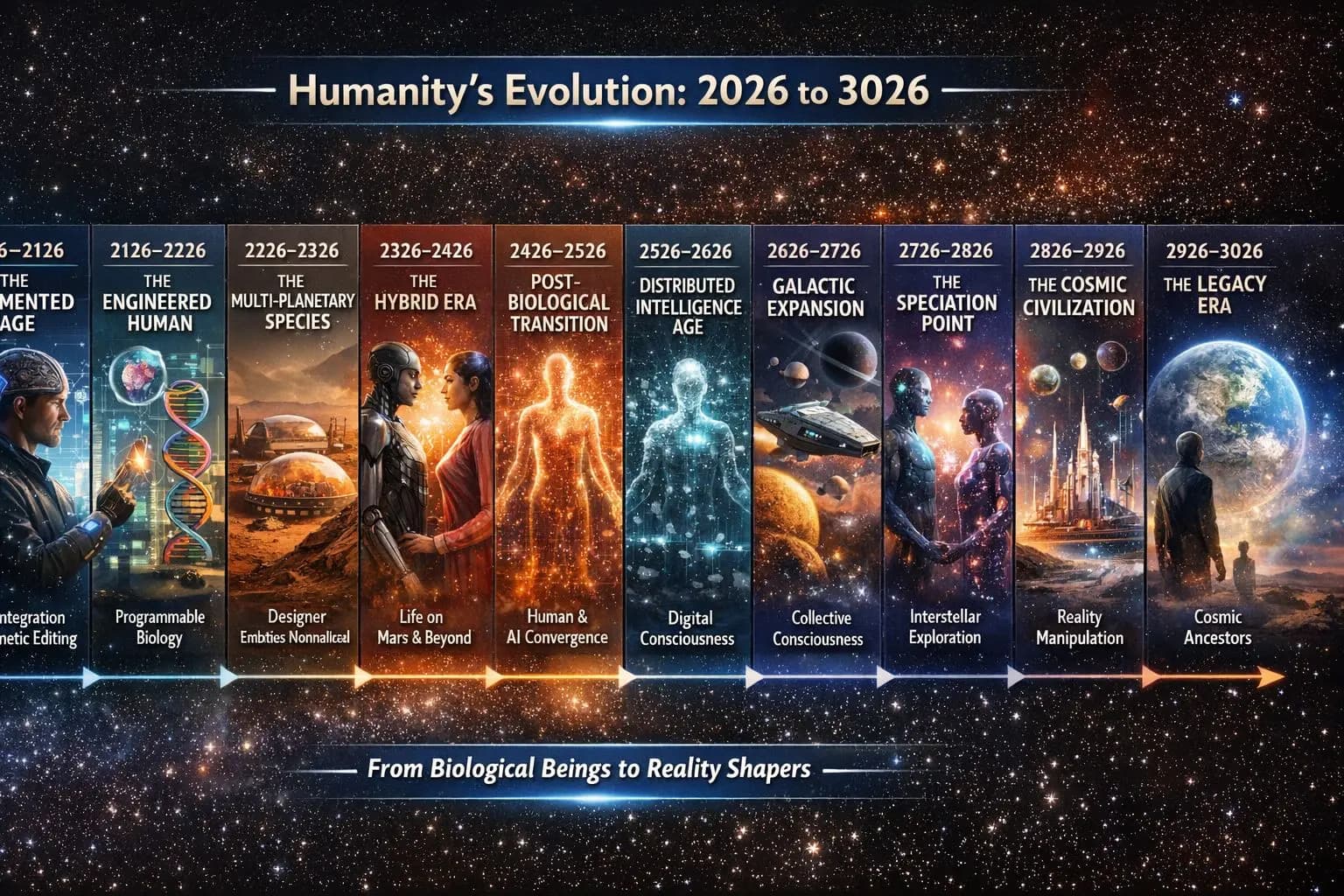
Pa Ọmọ Ènìyàn Mọ́ Nípasẹ̀ Orin
Pa orin àti ìtàn ọmọ ènìyàn mọ́ fún ọdún 1,000+ tó ń bọ̀.

Fún Ìran Olùṣàwárí Tó Ń Bọ̀ Ní Ìwúrí
Jẹ́ kí àǹfààní láti ṣàwárí òfurufú wà fún gbogbo ènìyàn.

Àpẹẹrẹ ọkọ̀ òfuurufú tí ó ń gòkè láti orí ojú-ọ̀nà dípò kí wọ́n fi rọ́kẹ́ẹ̀tì gbé e sókè. Èrò ni, kì í ṣe ọkọ̀ tí a ti parí.
Wo bí ó ṣe ń ṣiṣẹ́Bí gbogbo rẹ̀ ṣe so pọ̀
Kò sí nǹkan kan níbí tó jẹ́ iṣẹ́ òwò lọ́tọ̀ — ìpele kọ̀ọ̀kan ń fún èyí tó tẹ̀lé e lágbára.
Èrò kan. Ọ̀pọ̀ iṣẹ́ òwò tí ń ran ara wọn lọ́wọ́.
Yálà o gbọ́ orin kan, pín ìtàn kan, wọ aṣọ wa, lọ sí eré orin, túmọ̀ ọ̀rọ̀ orin, dámọ̀ràn orílẹ̀-èdè kan, tàbí sọ fún ọ̀rẹ́ kan lásán — o di apá kan nínú ohun tí a ṣe láti wà fún ìran-ìran.
Gbogbo ènìyàn lè kópa. Kò sí ìrànlọ́wọ́ tó kéré jù.
TimTim.Live — Ṣàwárí Ayé Nípasẹ̀ Orin.
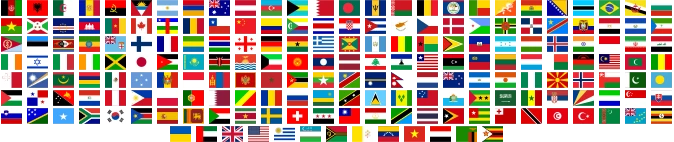
A ń so àwọn ènìyàn pọ̀ ní orílẹ̀-èdè 195, pẹ̀lú ojú-ìwé olórin 3,004,606+ báyìí tí ń pọ̀ sí i títí dé mílíọ̀nù 4+ · ojú-ìwé ilé-iṣẹ́ 8,684,003+ tí ń pọ̀ sí i títí dé mílíọ̀nù 400 · a ó túmọ̀ ojúlé yìí sí èdè ìbílẹ̀ 417 káàkiri ayé.
TimTim.Live ti ya máàpù ibi 233,870 ní gbogbo orílẹ̀-èdè 195, ó sì dé àwọn àwùjọ tí iye ènìyàn wọn kéré tó 1,000, pẹ̀lú:
ìpínlẹ̀ 257 • agbègbè 1,690 • káúntì 4,808 • ẹkùn 41,161 • ìlú ńlá 13,471 • ìlú 117,896 • abúlé 40,988
© 2026 TimTim.Live. Gbogbo Ẹ̀tọ́ Wà Ní Ìpamọ́.